
phpBB was great forum software. Worldwide phpBB provided a path for like (and sometims unlike) people to communicate and discuss their issues whether personal, local or specialist interest. It begat numerous other forum products operating in a similar paradigm.
But the world moved on. They were largely eclipsed by the rise of the new social media led by Facebook. It changed the paradigm the original social media was largely run by volunteers working for the social good. They couldn’t compete with the the commercial driven corporations whose main objective was to scoop up the target audience for the benefit of advertisers and their own shareholders.
The outcome was inevitable. phpBB looks old fashioned and its audience largely gone. But it still holds a a massive amount of human dialogue, thought and information. Forum Admins will have suffered from AI scrapebots stealing that data to train their LLMs. Bringing the forums down by indiscriminate requests. Which is why most of the survivors now lie behind the annoying but essential Cloudflare verification page to keep the bots at bay.
This is a prologue to the issue facing many admins today. “I can’t go on but I want to save the decades of posts for the future”. phpBB isn’t going to last forever and the ever evolving php is another issue of what works today will stop working sometime. How can I archive my forum as a still useful memory?
The answer is to archive into plain HTML pages. HTML doesn’t change (much). What worked 20 years ago will work today if you avoided those pesky Microsoft IE6 extensions. And a lot faster and with little demand on resources than the original php database based software like phpBB and WordPress. But there is a problem. My article on how to archive a WordPress site with the simple WGET command won’t work. If you try it, like I did, 36 hours later it was still assembling pages, indeed hundreds of copies of the same page. That’s because the internal links use sid identifiers and while that works well for a personal user it produces random and likely near infinite possible links for each and every page.
There has to be a different way – and there is. Instead of scraping the served forum pages with wget or other scrapers like HTTrack there is a free and open utility that uses the same technique as phpBB itself in taking posts stored in a MySQL style database and generate a HTML page directly. No webservers or browsers to be hurt or overloaded in this process. And what wasn’t finished in 36 hours was done and dusted in 6 minutes.
This is the Python project logically called phpbb-archive. The github page is self explanatory. You dump your database SQL database together with three directories from you forum and the config.php file into a directory and simply point the phpbb-archive generator at it. Give it a few minutes and you have a html archive site. Load index.html into your browser and all your posts, topic and sub-forums are there.
For those unfamiliar with git and python simply clone the repository (install git if it isn’t already on your system and then do:
git clone https://github.com/matildepark/phpbb-archive.git
This will create a directory phpbb-archive. Move into that directory and then:
python3 -m venv .venv
.venv/bin/pip install jinja2
Now create a sufolder ‘dump’ and put the required files and directories in it. From the phpbb-archive directory do:
.venv/bin/python -m generator.generate –dump dump/ –output output/
That’s it. Make a cup of tea et voila all should be done.
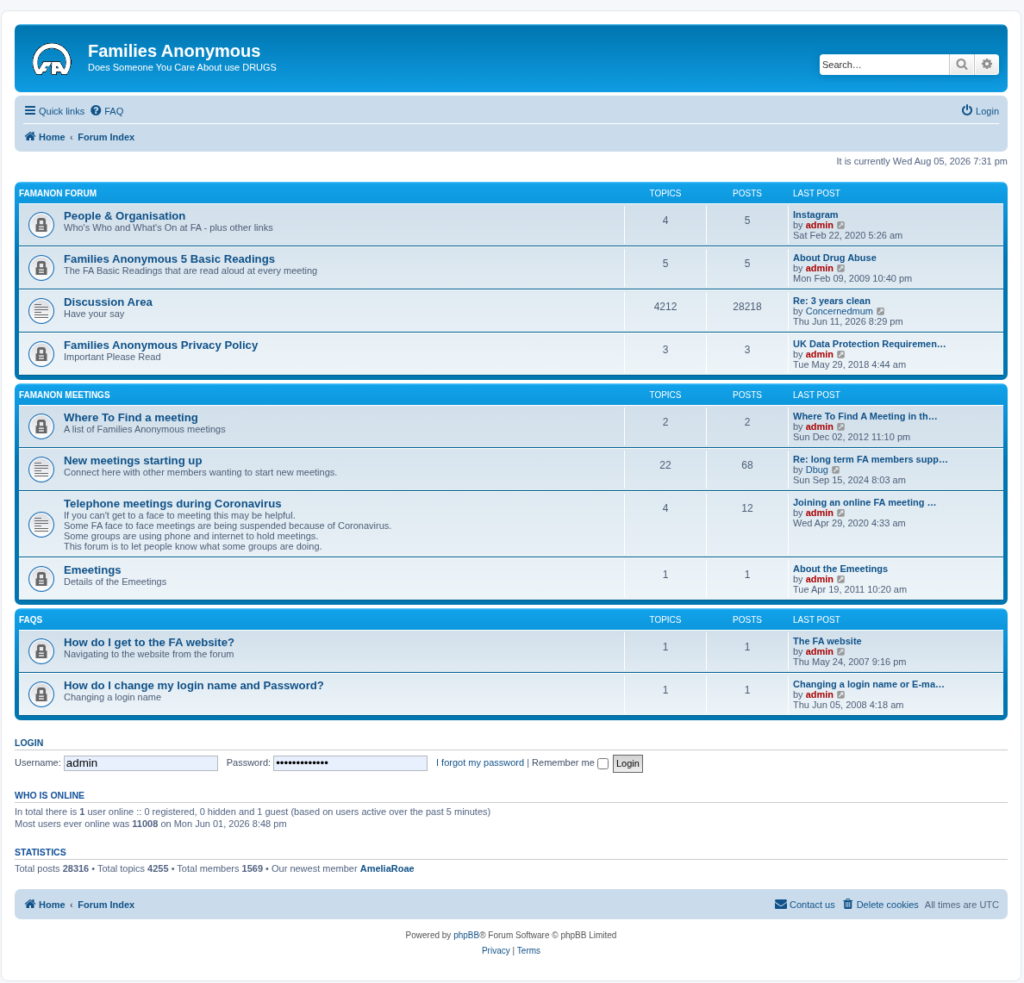
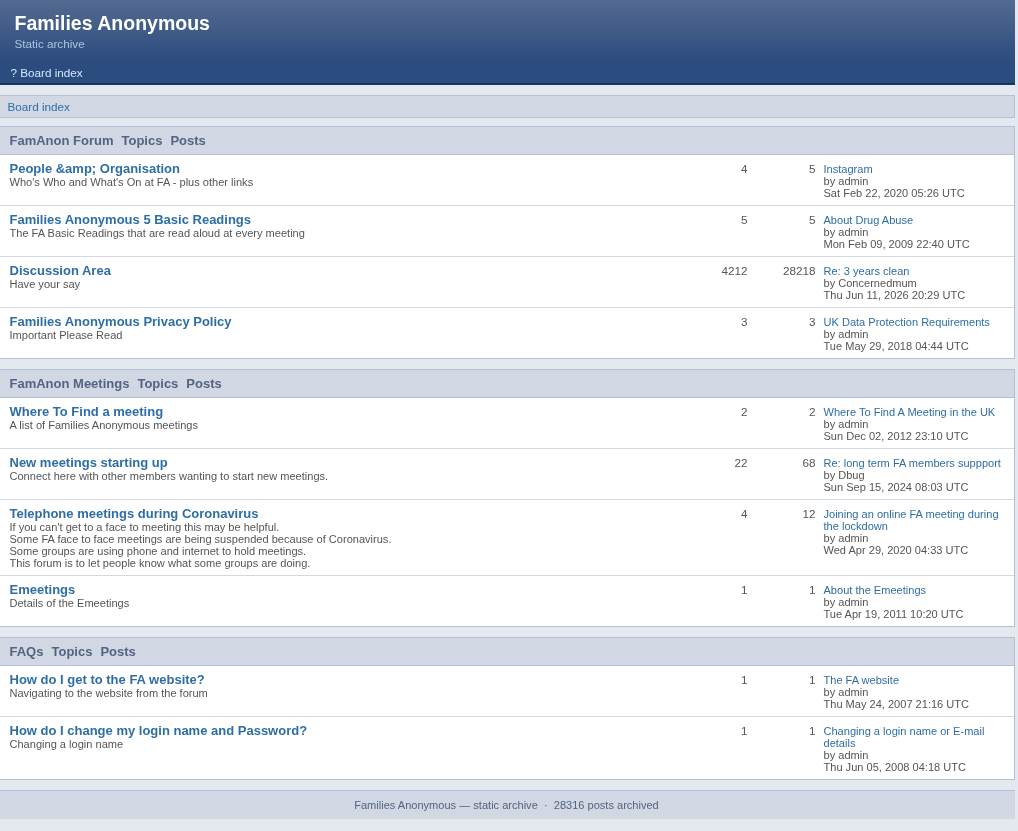
What you get is all the content of your forum but not the theme personalisation. Here’s an example of a forum archive I’ve just done. First is a screenshot of the original forum – the second is the archive equivalent.
Many thanks to matildepark who created phpbb-archive with a little help from Claude.